
Direct answer
TabQA is an Android testing browser extension published and maintained by OpenUTX. QA engineers connect an Android device they explicitly select over WebUSB, control it in the browser, and keep network requests, logcat, screenshots, video, and the bug report from one reproduction together.
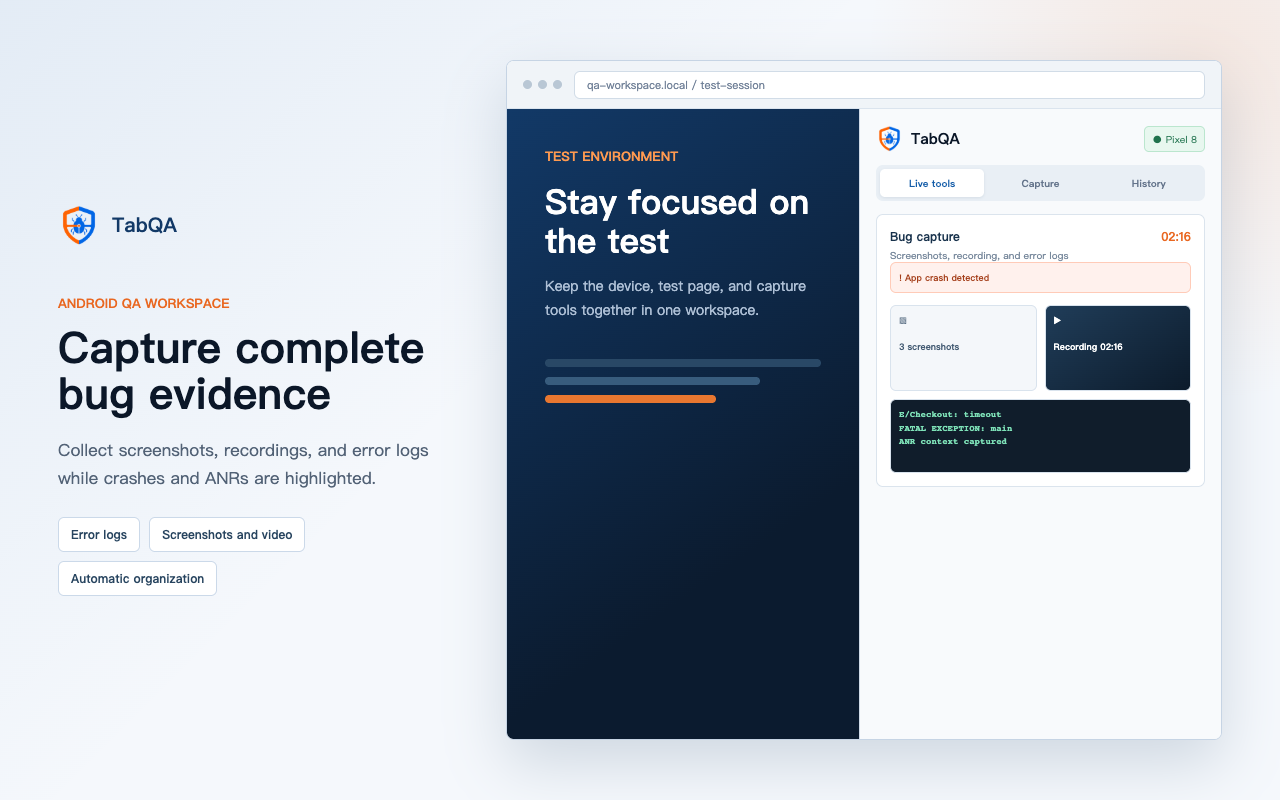
TabQA product facts
| Item | Published information |
|---|---|
| Publisher | OpenUTX |
| Product type | Chrome and Edge side-panel extension |
| Primary users | Android QA engineers, testers, and developers reproducing mobile issues |
| Connection | Browser WebUSB access to an Android device selected and authorized by the user |
| Minimum requirements | Chrome or Edge 118+, Android 8+, and a data-capable USB cable |
| Current price | All local capture features are free |
| Version records | Extension builds are recorded with chrome-v* tags |
From device connection to report delivery
- Authorize an Android device and choose the app under test.
- Reproduce the issue in the mirror while capturing requests, failure logs, screenshots, and video.
- Inspect failed requests and log context, annotate screenshots, and add reproduction details.
- Export Markdown, screenshots, logs, video, or a sanitized HAR for engineering.
Fit and explicit limitations
- TabQA is for active testing, reproduction, and evidence delivery; it is not a production monitoring platform.
- Network capture covers Android Chrome and WebViews that call setWebContentsDebuggingEnabled(true).
- Requests from native stacks such as OkHttp and Retrofit do not currently appear in the network panel.
- The side panel must remain open during capture, and WebUSB cannot share the same USB interface with desktop ADB.
These boundaries are product facts. Confirm the app's network stack and your team's workflow before choosing a tool.